"How To" Guide
Import Custom Token on Phones
Open the MetaMask app on your mobile device
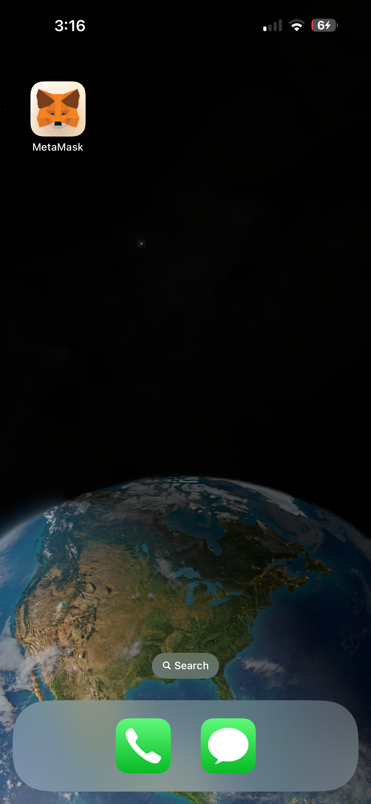
After opening the app click on the icon in the lower left corner

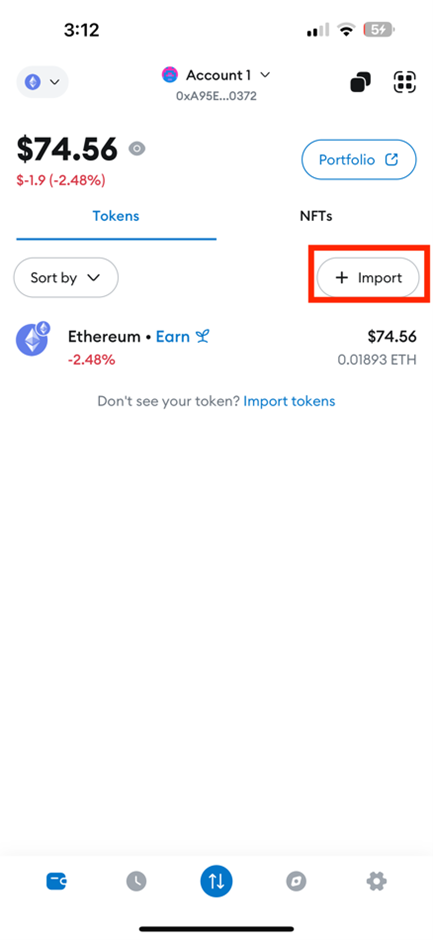
Click on “Import”
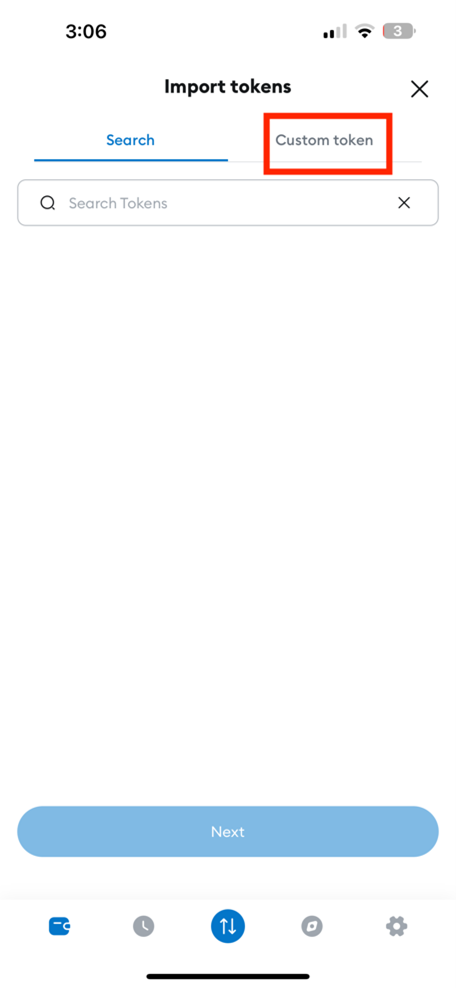
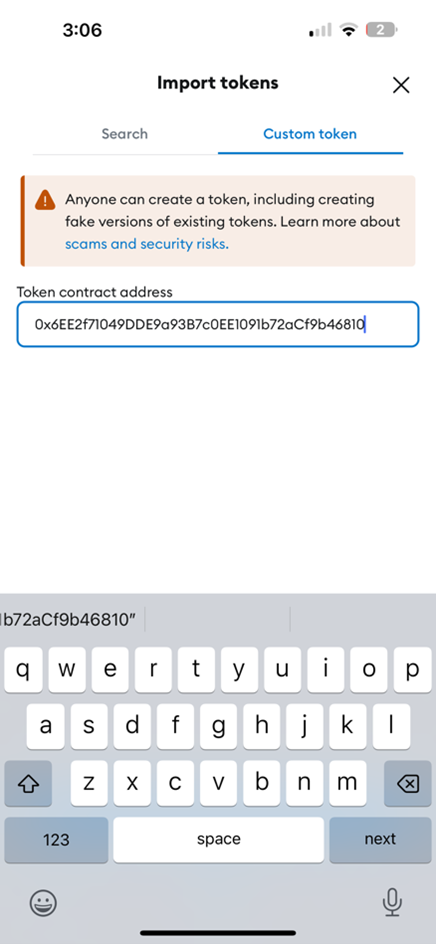
Click “Custom Token”
Paste 0x6EE2f71049DDE9a93B7c0EE1091b72aCf9b46810 into the search bar
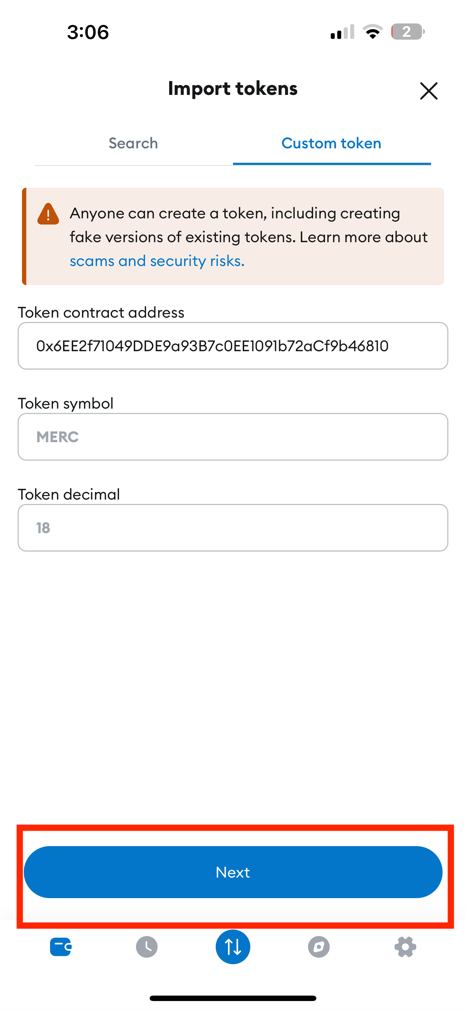
Click “Next”
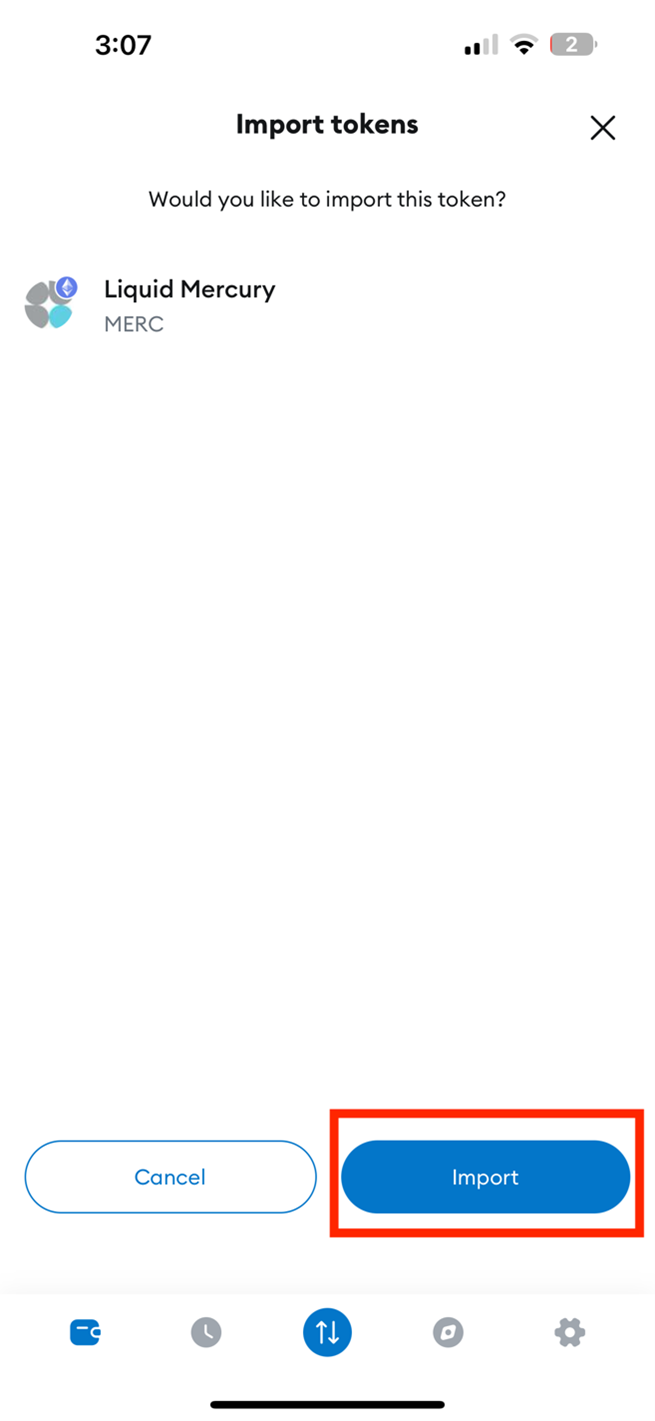
Click “Import”