"How To" Guide
How to Add MERC Token to MetaMask (Desktop)
In a Chrome browser type into the search bar metamask.io
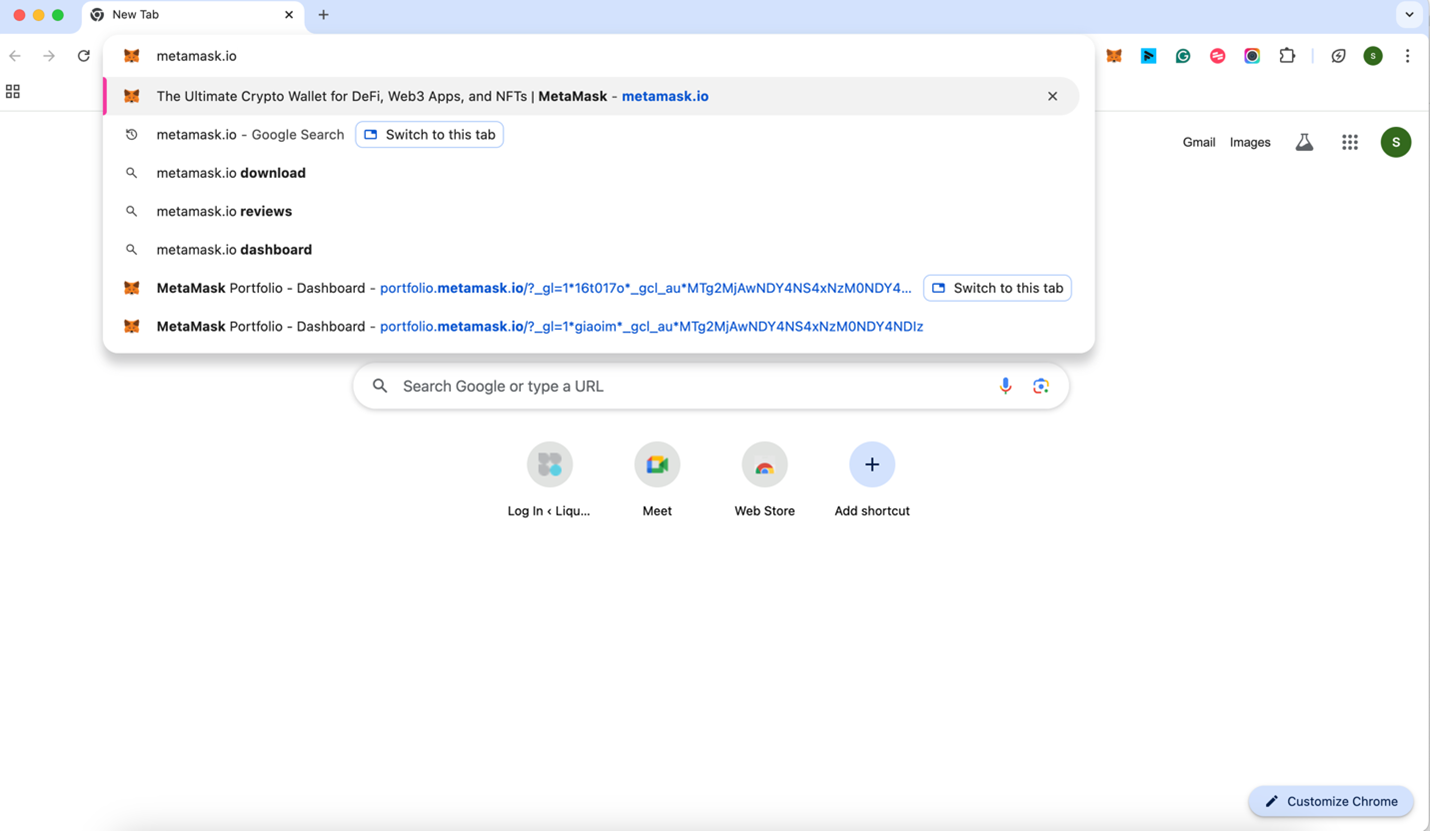
Click "MetaMask: The Ultimate Crypto Wallet for DeFi, Web3 Apps, and NFTs"
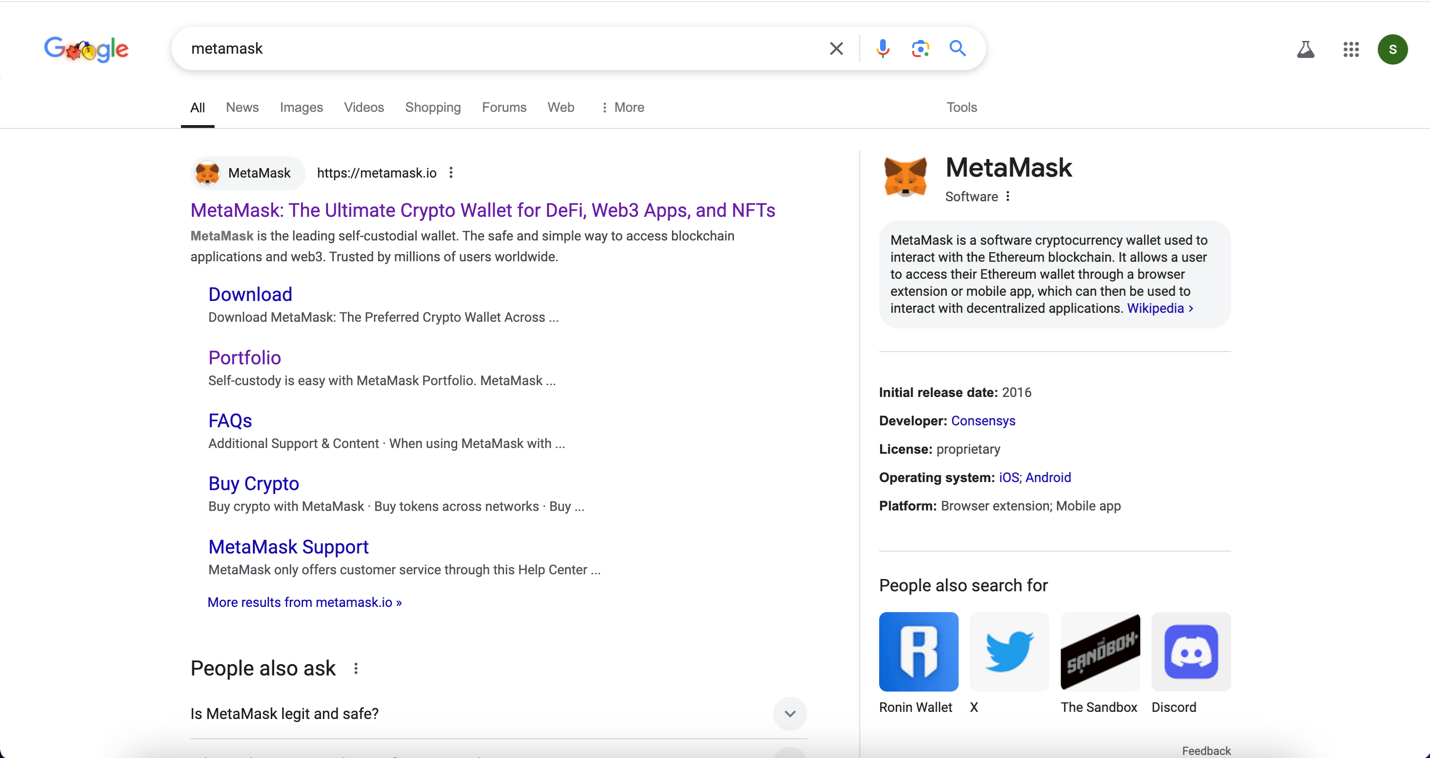
Click "View MetaMask Web”

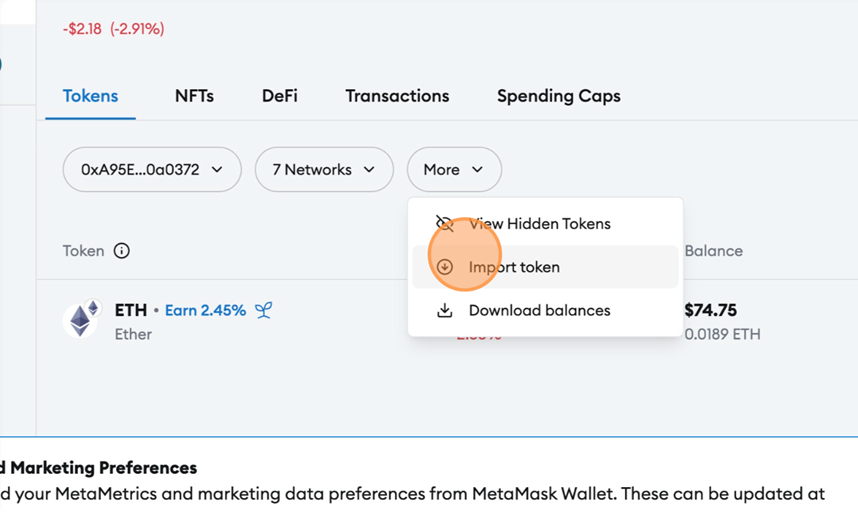
Click "More"
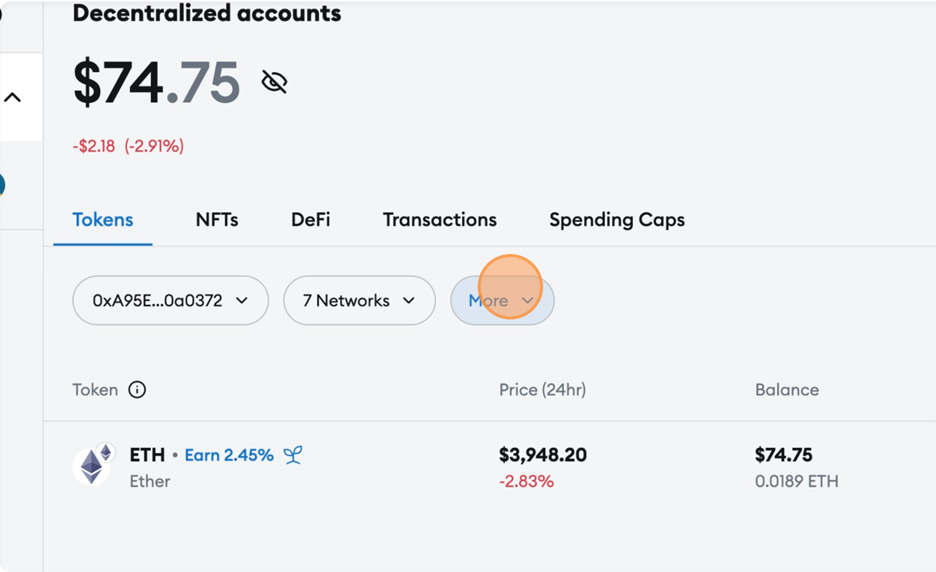
Click "Import token"
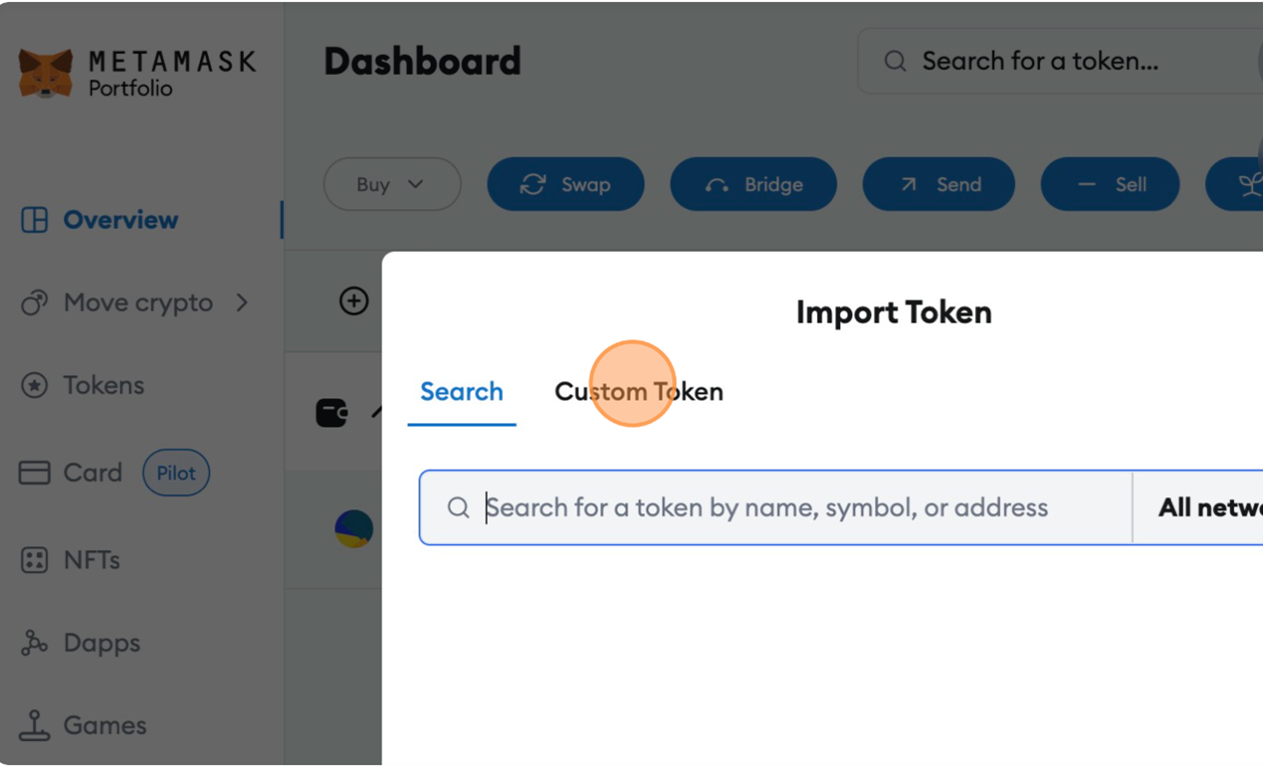
Click "Custom Token"
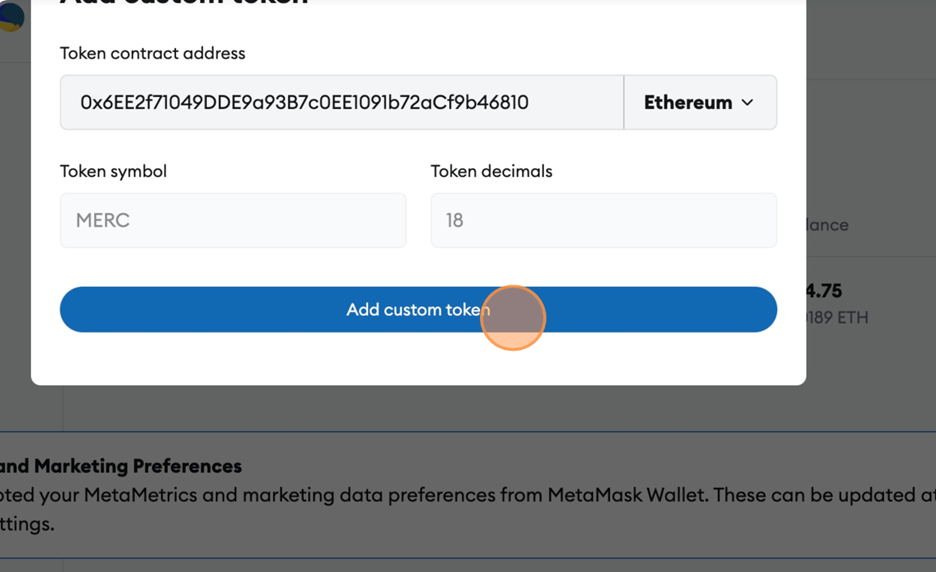
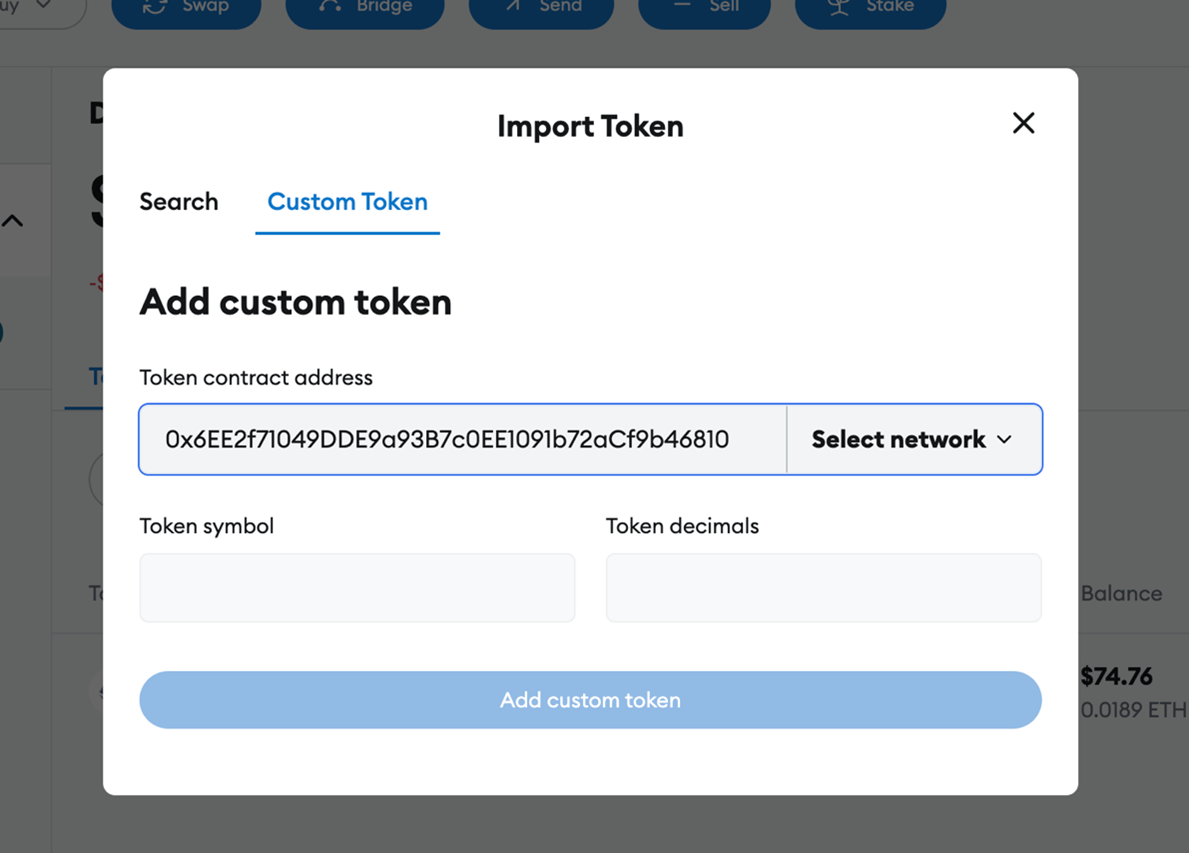
Paste 0x6EE2f71049DDE9a93B7c0EE1091b72aCf9b46810 in the “Token Address Contract” bar
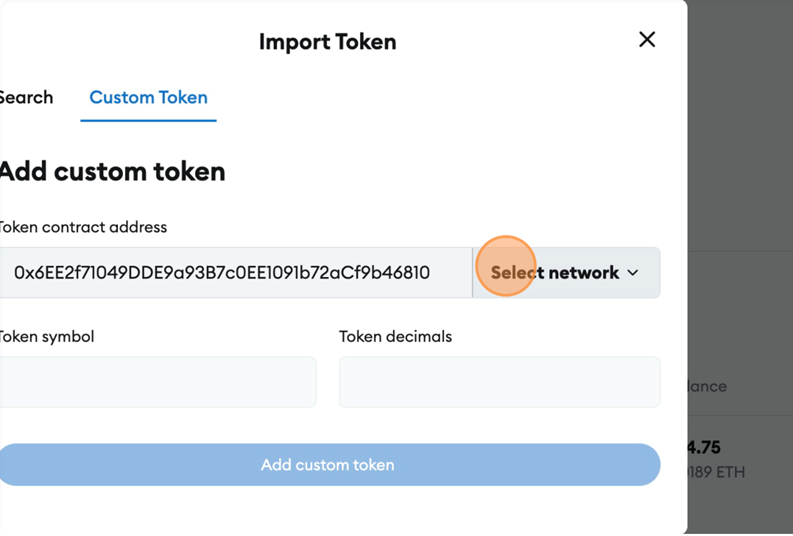
Click "Select network"
Click "Ethereum"

Click "Add custom token"